Get started
Product Analytics reads the behavioral events your Real User Monitoring SDK already sends. Once RUM is instrumented and Product Analytics is enabled for your team, it populates automatically, there's no second SDK to install.
This page covers what you need before you start, the data model behind funnels and heatmaps, and the permissions that control access.
What you need
- A Coralogix web application instrumented with the Browser Real User Monitoring SDK (version 3.24.0 or later). RUM is a hard prerequisite. Product Analytics reads the events this SDK already collects and has nothing to show without it. If you haven't instrumented yet, follow the RUM integration package.
- The
PRODUCT-ANALYTICS:READpermission to view Product Analytics and build ad-hoc funnels, andPRODUCT-ANALYTICS:MANAGEto save, rename, and delete funnels. - RUM data kept at High (Frequent Search) or Medium (Monitoring) priority. Product Analytics can't read RUM events routed to Low (Compliance) priority.
Product Analytics reads the same RUM events your TCO Optimizer policies route, and only events kept at High (Frequent Search) or Medium (Monitoring) priority reach it. RUM policies default to Medium, so this usually works without any change. If a policy routes RUM events to Low (Compliance), they don't appear in Product Analytics: heatmaps show no interactions, and funnels and pathways show partial or no data. See Features by priority level.
Product Analytics currently works with web applications instrumented with the Browser RUM SDK. Support for mobile applications (Android, iOS, React Native, and Flutter) is still rolling out and will be available in an upcoming release.
The data model
Product Analytics is built on three event types that the RUM SDK captures as users interact with your application:
- Session. A single user journey through your application, from the first activity until the user leaves or becomes inactive. A session groups the views and actions that belong to one visit.
- View. A page or screen the user lands on, identified by its path, for example,
/dashboardor/explore. Views are the navigation backbone of a funnel. - Action. A discrete interaction within a view, such as a click on a button or link, for example,
click on create.
Funnels are defined as an ordered sequence of view, action, and custom events. Heatmaps aggregate action events by the element the user interacted with. Pathways trace the sequences of views users move through before or after a chosen view. Because every event carries its session context, you can move from an aggregate metric to the individual sessions behind it.
Product Analytics identifies each action by the element the user interacted with, so give your clickable elements stable, meaningful names. Add an aria-label or a data-cx-action-name="your-element-name" attribute. Explicit names let Product Analytics identify and categorize interactions accurately instead of relying on unstable signals such as visible text, DOM structure, or CSS classes. Consistent labeling improves event quality, makes heatmaps and funnels easier to understand, and keeps your analytics dependable as the interface evolves. An element with no usable name appears as Unnamed element.
To see the name the SDK resolves for any element on your page and rename it without reading the code, use the Coralogix Analytics Tool.
Open Product Analytics
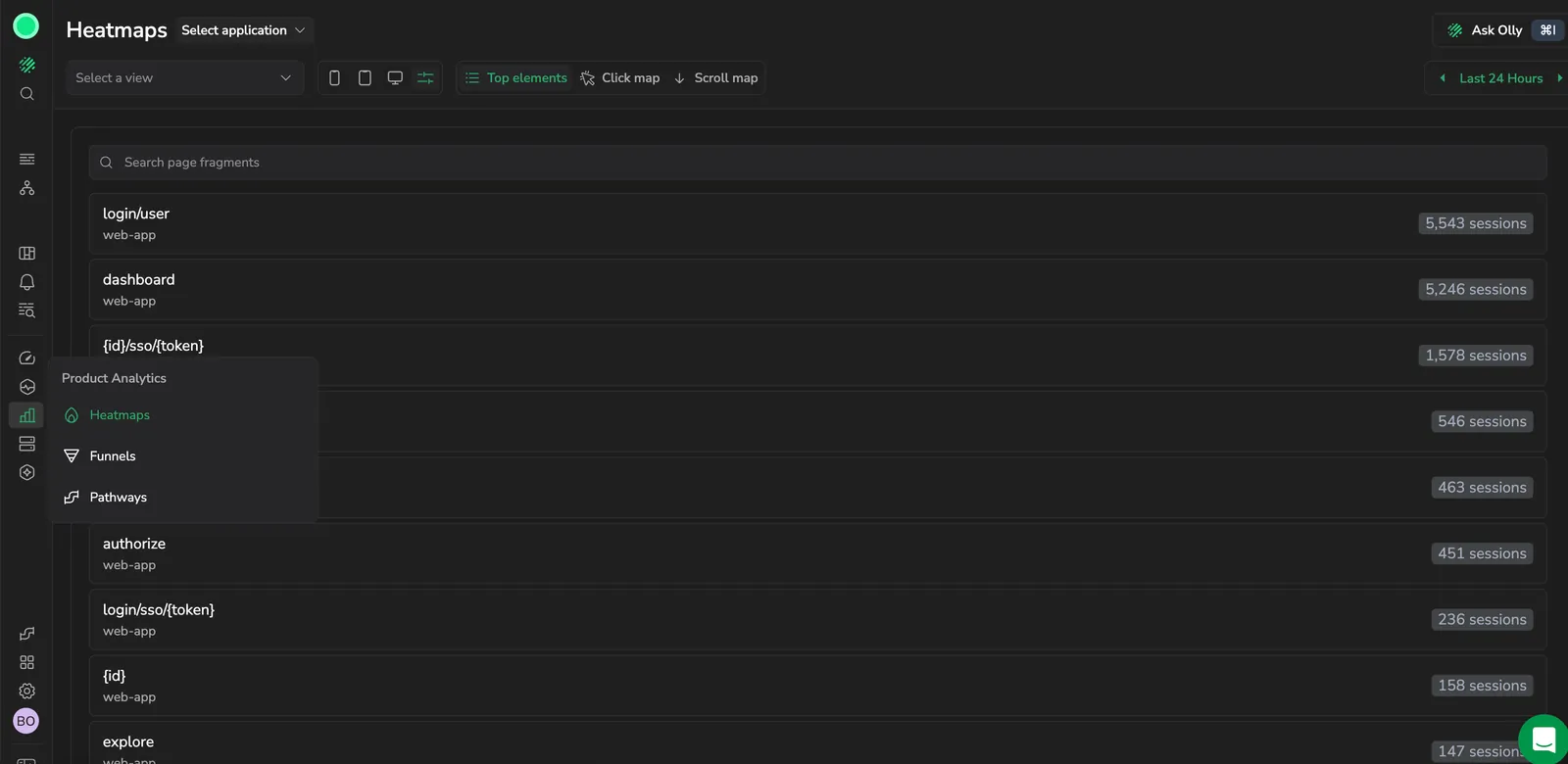
Product Analytics is a top-level item in the left navigation, alongside RUM and Infrastructure. Opening it takes you to the Heatmaps view by default, with Funnels, Pathways, and Events available alongside it. Each view has a time range picker that scopes the analysis to a period.
Heatmaps, Funnels, and Events each carry a side panel you can drag to resize, and collapse to a rail when you want the full width for the analysis. The width you set lasts for as long as you stay on the view.
Permissions
Access to Product Analytics is controlled by two permission keys. Assign them through your role and policy configuration.
| Permission | Grants |
|---|---|
PRODUCT-ANALYTICS:READ | View Product Analytics, including heatmaps and building ad-hoc funnels |
PRODUCT-ANALYTICS:MANAGE | Save, rename, and delete funnels and heatmaps |
Next steps
Check and improve the names behind your actions: Coralogix Analytics Tool.