Notifications preferences
Coralogix can send you automated notifications about new errors and data usage, by email or Slack. Use your notification preferences to select which of these notifications you receive and to limit them to specific applications and subsystems.
These are account-level notifications about errors and usage. Notifications for a specific alert are configured on the alert itself and routed through Notification Center.
What you need
- Access to Coralogix.
- Administrator permissions to change Slack notification settings.
- A configured Slack webhook integration to receive notifications in Slack. See Slack outbound webhooks.
Open your notification preferences
Go to Settings, then Notifications. The page has two sections, Slack notification settings and Mail notification settings, followed by an application and subsystem filter.
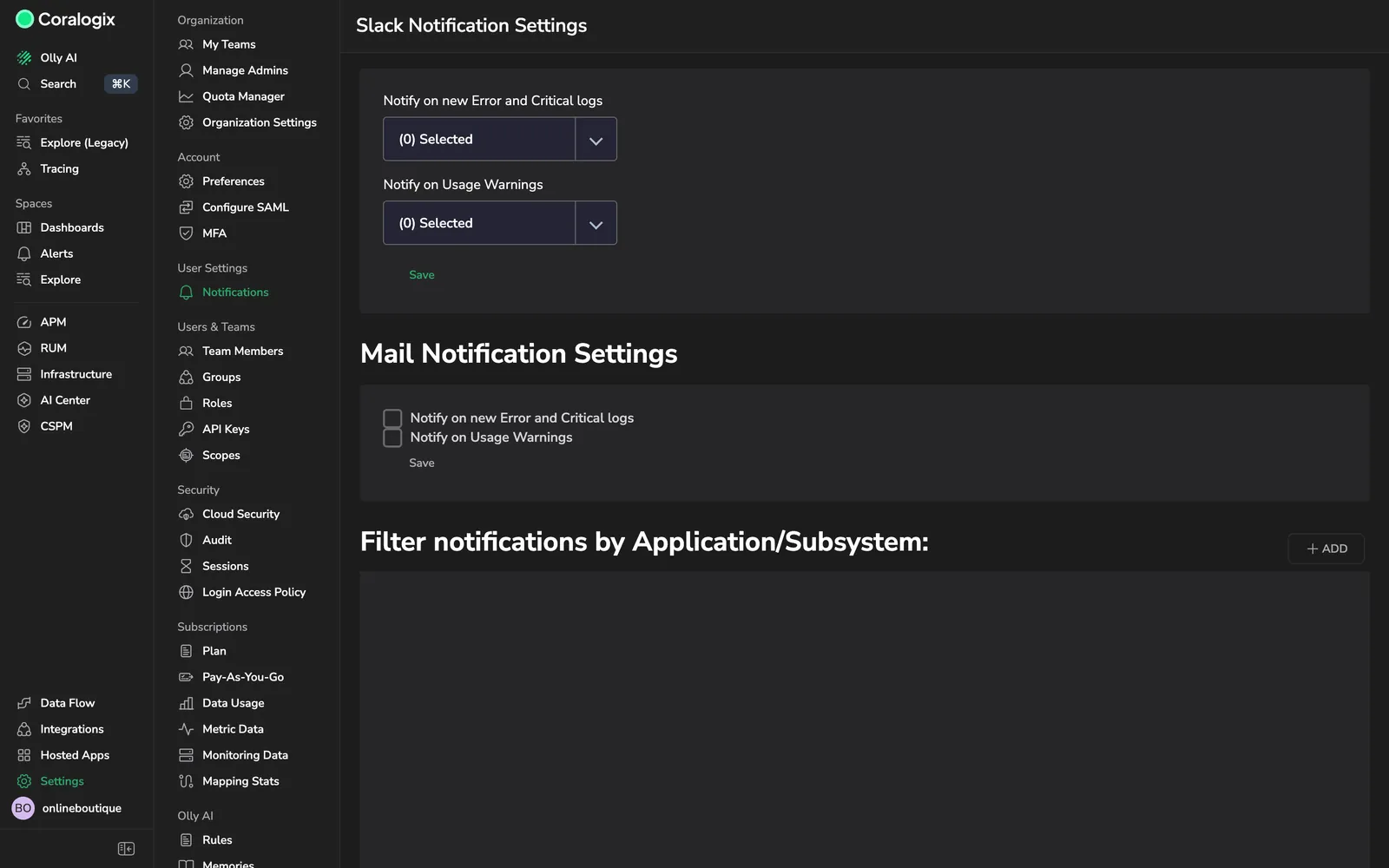
Shows both notification sections and the application and subsystem filter.
Notification types
Two notification types are available:
- Notify on new Error and Critical logs: a summary of your top error logs and any new Error or Critical logs introduced to the system.
- Notify on usage warnings: alerts about your team's daily data usage, such as consumption warnings and quota-blocking alerts.
Select email notifications
Under Mail notification settings, select the checkbox for each notification you want to receive by email. Clear a checkbox to stop that email. Select Save.
Select Slack notifications
Under Slack notification settings, select the Slack webhooks that should receive each notification type from its dropdown, then select Save. Changing these settings requires administrator permissions, and the webhooks must be configured first.
Filter by application and subsystem
Under Filter notifications by application/subsystem, select Add to limit notifications to specific applications and subsystems. Without a filter, you receive notifications across all applications and subsystems.